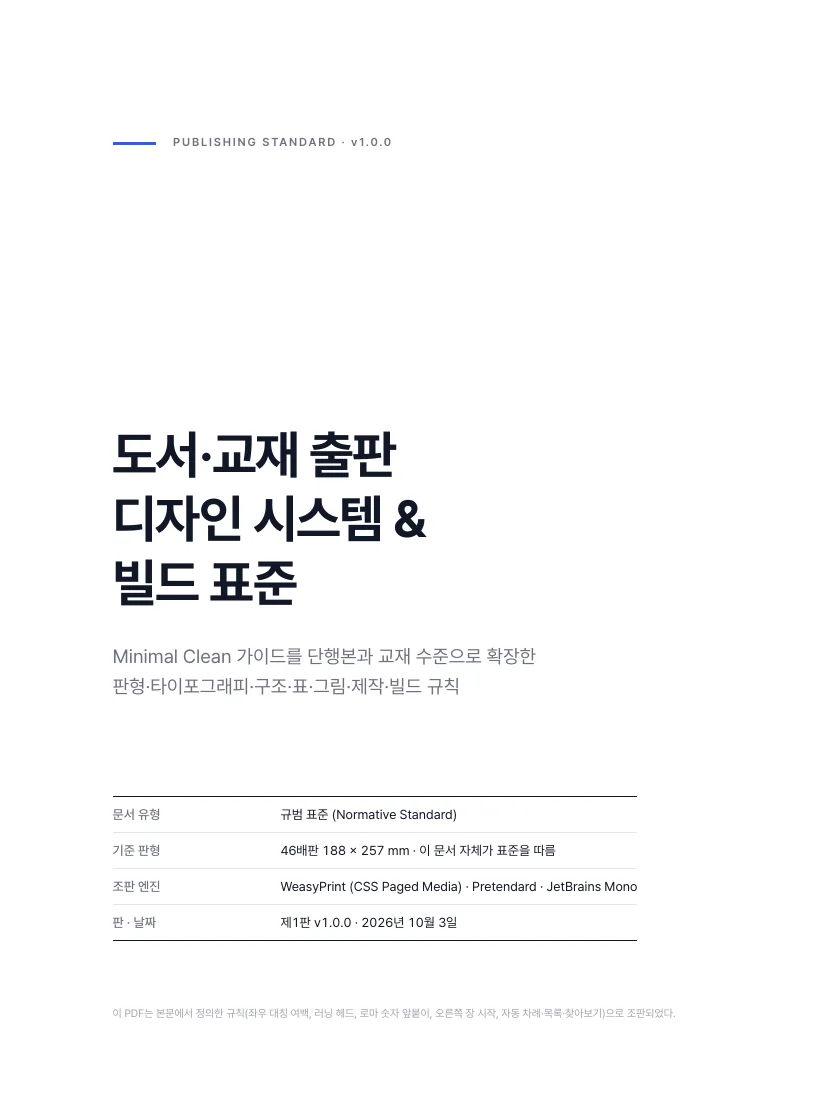
Textbooks for offset print
Write the manuscript in HTML and one build produces a screen PDF plus a PDF/X-4 and CMYK file for the printer. All 100 styles pass the same standard and checks.
English editions use Latin OFL fonts, hyphenation and English labels.
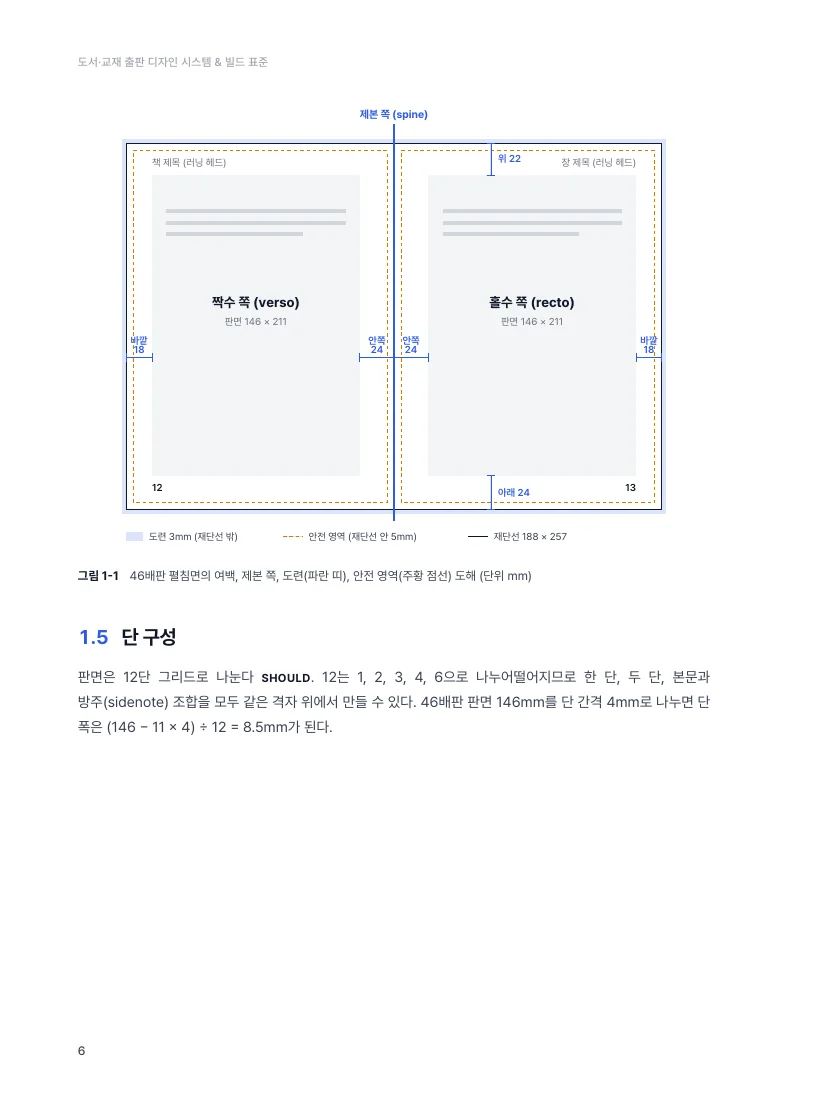
Print spec
| Trim | 188 × 257 mm (default, tested); A4 passes test builds |
|---|---|
| Margins | top 22 · bottom 26 · inside 24 · outside 18 mm (mirrored) |
| Type area | 146 × 209 mm |
| Body | Pretendard 9.5/16 pt by default (each style has its own fonts) |
| Print file | 3 mm bleed + crop marks, PDF/X-4 (header 1.6) |
| Color | CMYK conversion (swap in your printer’s ICC), black and gray text checked as K only |
| Checks | TOC, margins, overflow, 4.5:1 contrast, font embedding and OFL, preflight |
What is in a textbook pack
- Style CSS and building-block kit (openers, boxes, tables, running heads, cover)
- Only the fonts the style uses (SIL OFL 1.1, license texts included)
- Build and check tools (Windows, macOS, Linux)
- Example chapter 1 — a sample of every learning element
- Empty chapter skeleton and answers appendix
- A sample PDF made in the style
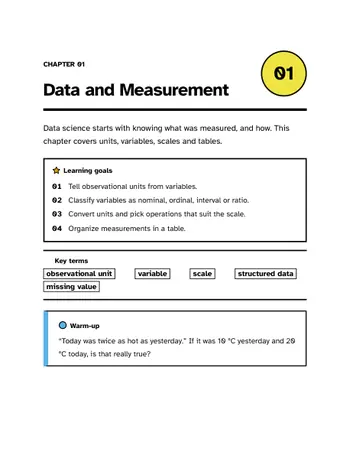
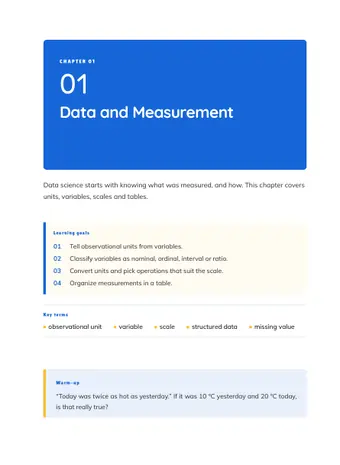
Sample pages
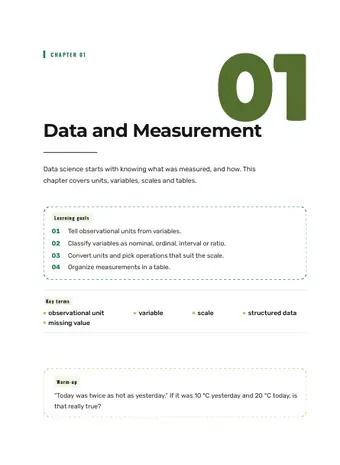
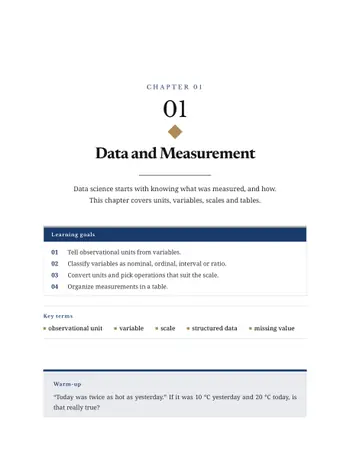
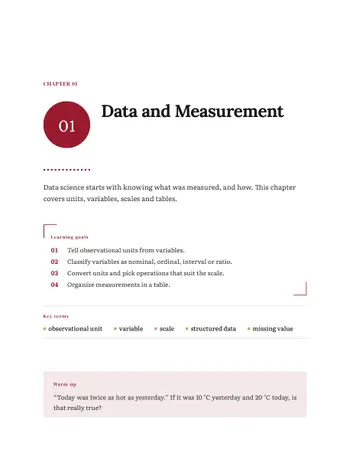
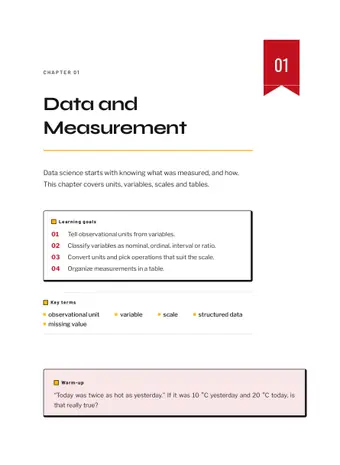
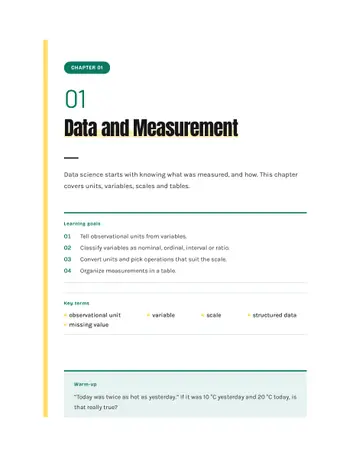
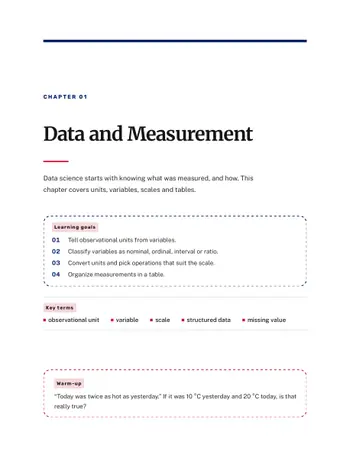
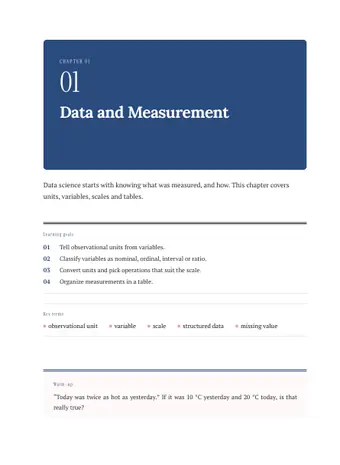
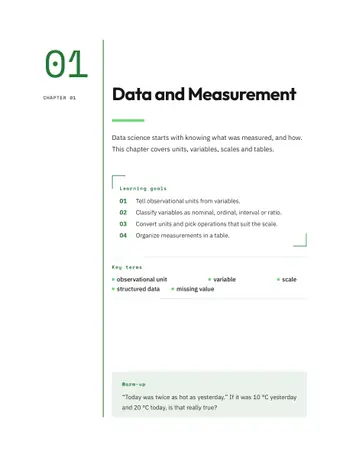
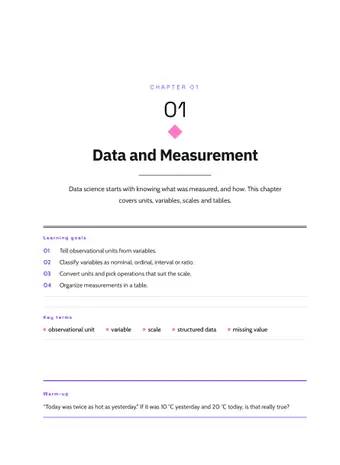
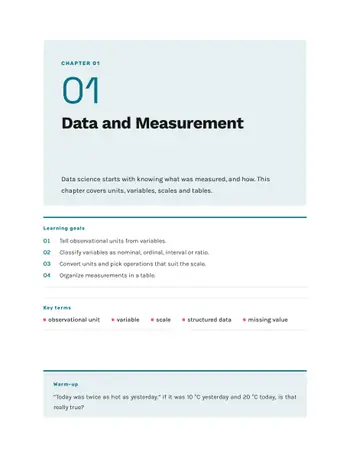
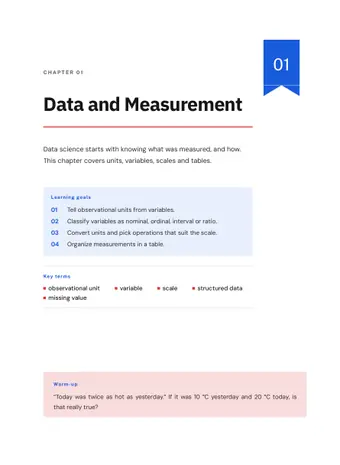
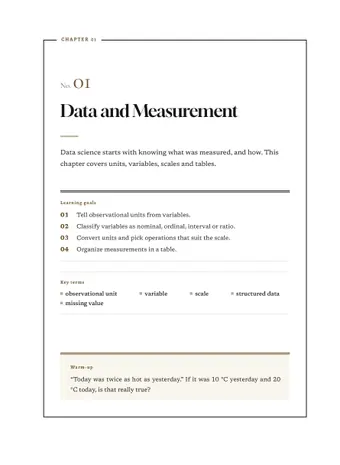
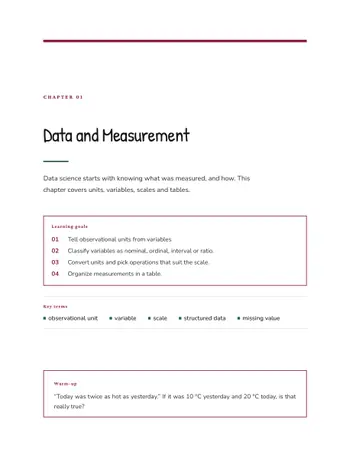
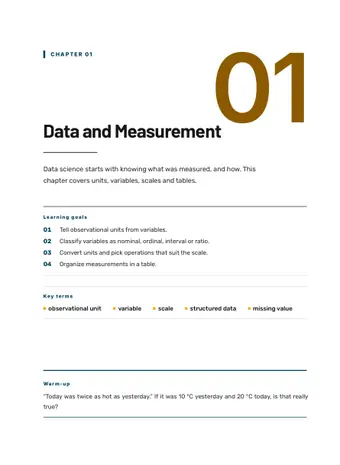
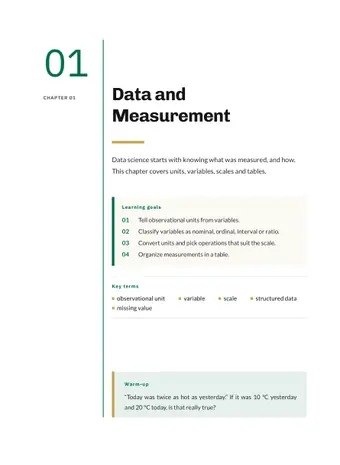
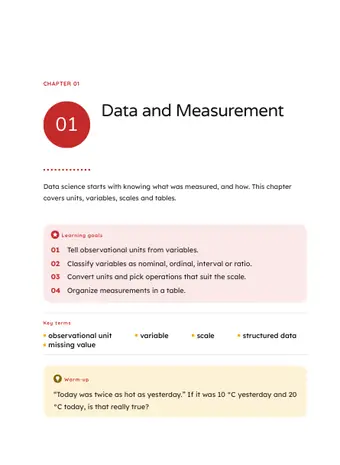
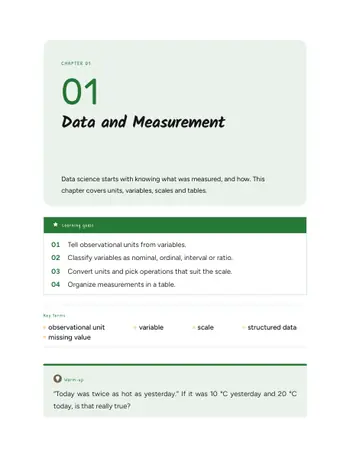
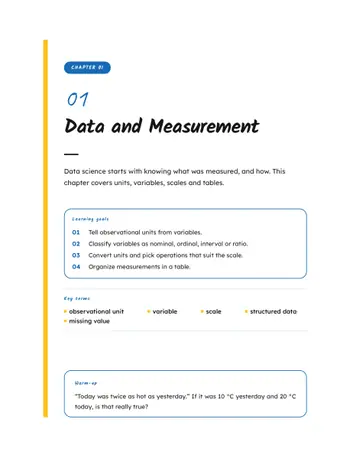
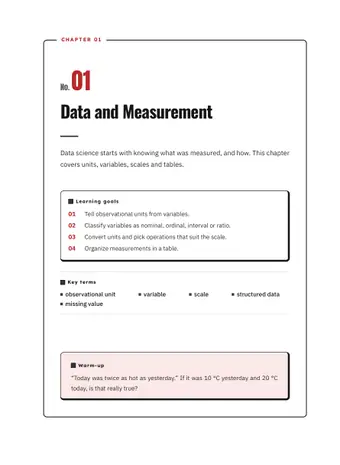
All built from the same sample manuscript in each style.
- TT-011 Sky Classroom
- TT-002 Classic Academic
- TT-047 Terminal Green
- TT-091 Letter Play
How you make one
- Open a style page, read the sample PDF and pick a style.
- Get the textbook pack, unzip it and use the free form on the style page to generate book.json and chapter skeletons.
- Fill in the HTML manuscript and run
build.batto check the screen PDF. - Run
build.bat --printfor the printer’s PDF/X-4, the CMYK file and a preflight report.
10 families
Open a family to see only its 10 styles.
 K-12 TextbooksSchool textbooks and companion workbooks. Clear hierarchy, generous body text, subject colors.See its 10 styles →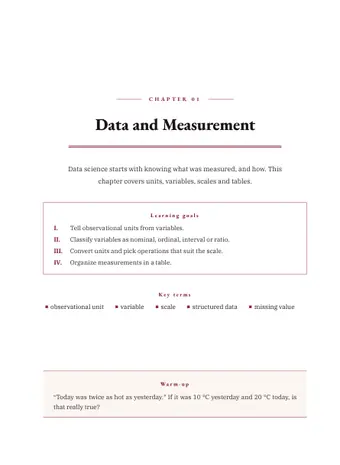
 University TextbooksUndergraduate and graduate texts. Serif body, restrained color, built for long reading.See its 10 styles →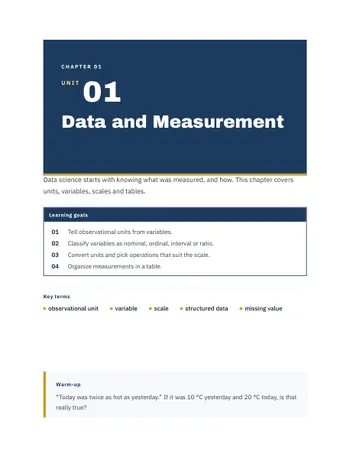
 Certification & Exam PrepPast-paper and key-point review books. Strong contrast, bold numbers, fast scanning.See its 10 styles →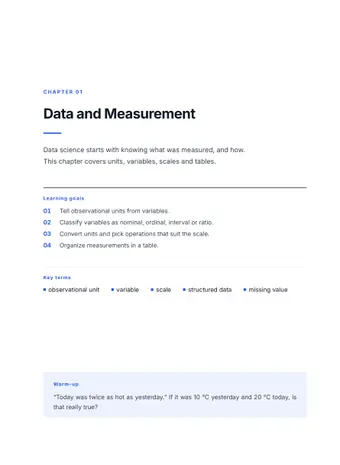
 Language LearningEnglish and world-language courses. Expressive Latin type and country-inspired color.See its 10 styles →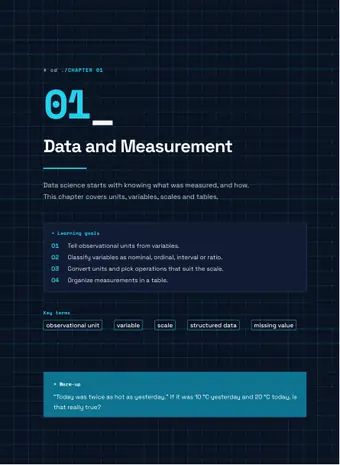
 IT & ProgrammingProgramming, cloud and data books. Dark code blocks and geometric sans serifs.See its 10 styles →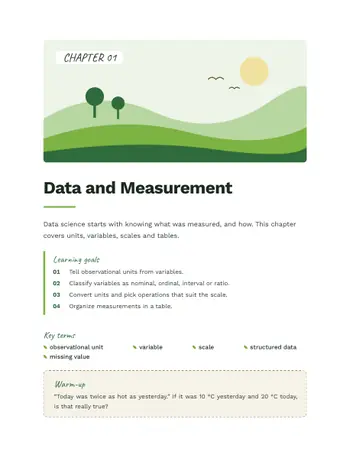
 Science & MedicineScience, medicine and pharmacy texts. Precise tables, calm color, figure-friendly layouts.See its 10 styles →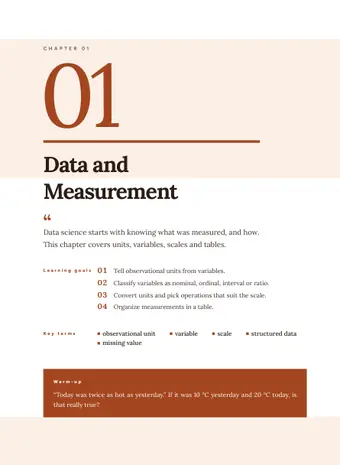
 Humanities & HistoryHistory, philosophy and literature. Serif type, paper-toned color, classical ornament.See its 10 styles →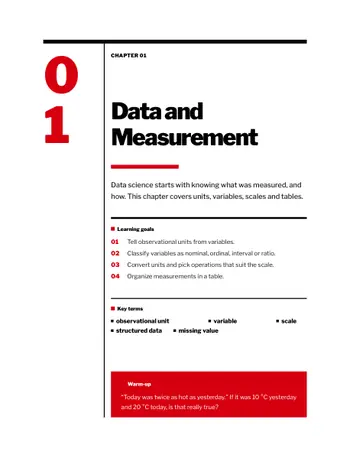
 Business & EconomicsManagement, economics and accounting. Report-style grids, data tables, trustworthy color.See its 10 styles →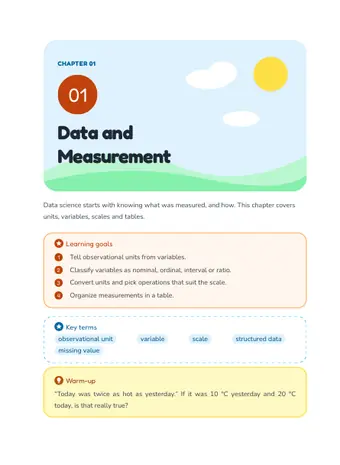
 Kids & Early LearningPreschool and early-grade learning books. Large type, rounded boxes, picture icons.See its 10 styles →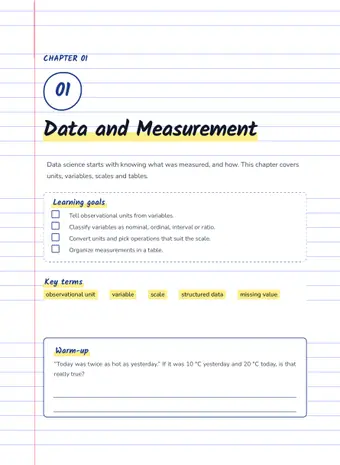
 Workbooks & PracticeWrite-in workbooks and drill books. Answer lines, dot grids, check boxes.See its 10 styles →
The standard behind these textbooks
The textbooks follow a publishing design standard of 272 rules and were audited rule by rule.
Read the summary